Verification for Everyone: Inside Argyle's Accessibility Standards

More than 70 million U.S. adults — over 1 in 4 — report living with a disability, according to the CDC. Some of those adults are also mortgage applicants, benefits recipients, renters, and job seekers who need to prove their income and employment to get approved. If the verification step in that process can't be completed with a screen reader, a keyboard, or voice input, the process doesn't just create friction — it can shut people out entirely.
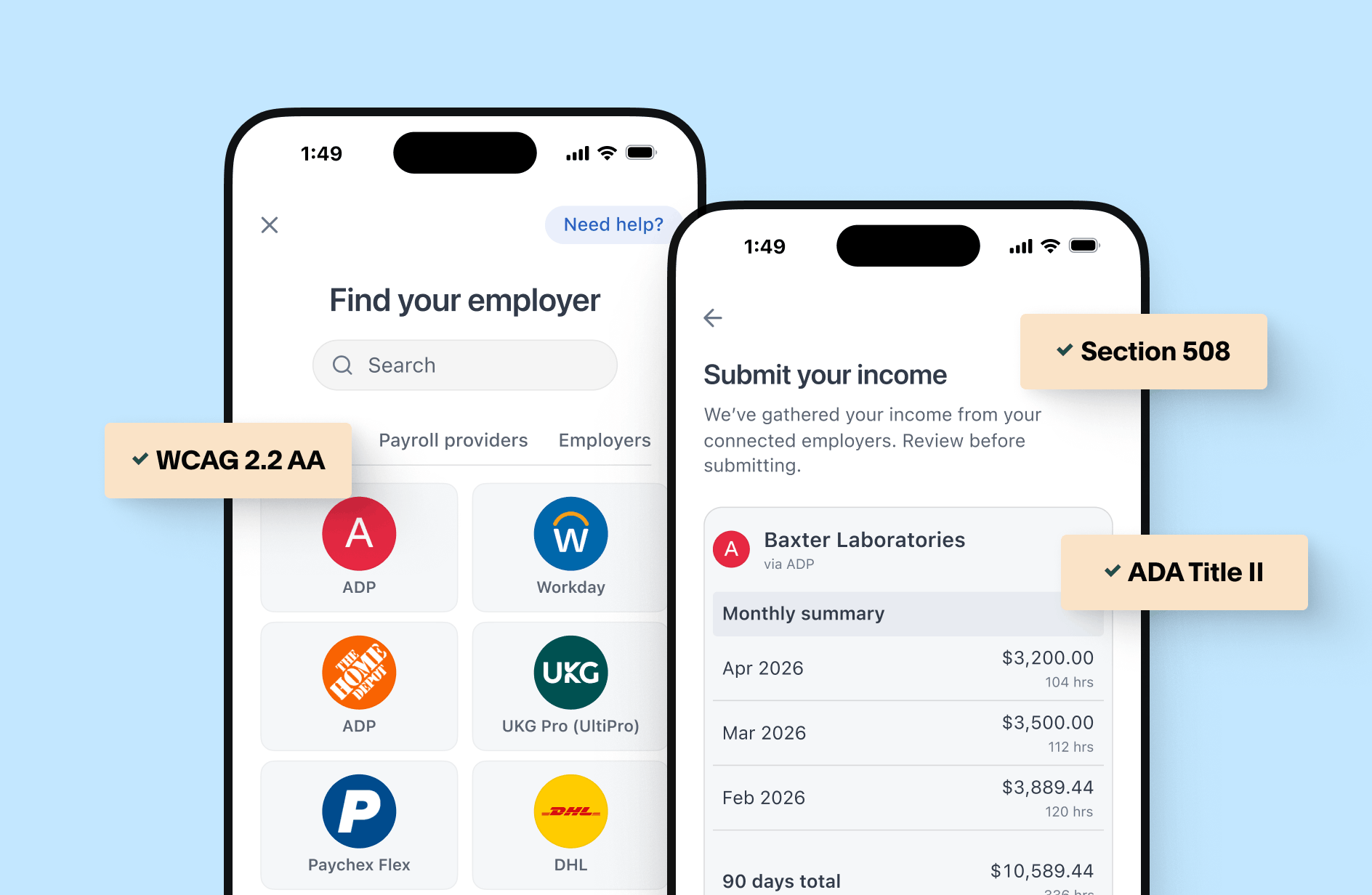
That's the stakes behind accessibility in verification of income and employment (VOIE), and it's why Argyle Link — the connection flow consumers use to connect and share their payroll, gig, and income data directly from the source — is built and independently tested to meet WCAG 2.2 Level AA and Section 508 standards. Below, we walk through what that means in practice, how it's tested, and what your organization needs to know if you're embedding Link into your lending, screening, or benefits workflow.
The regulatory bar is rising, not holding steady
Accessibility in digital verification isn't a nice-to-have anymore — it's converging with hard compliance deadlines, especially for anyone serving government agencies or operating in regulated lending and screening.
For public sector and government-adjacent workflows: The Department of Justice's ADA Title II rule requires state and local government entities — and by extension, the private vendors and contractors who build tools for them — to meet WCAG 2.1 Level AA. In April 2026, DOJ extended the original compliance dates by one year: entities serving populations of 50,000 or more now have until April 26, 2027, and smaller entities and special districts until April 26, 2028. DOJ's own reasoning for the extension — that it had underestimated the technology and staffing lift required — is itself a signal of how substantial the compliance work actually is.
For federal agencies: Section 508 of the Rehabilitation Act has required accessible electronic and information technology for decades, and any product used in a federal workflow is expected to meet it.
For everyone else: Digital accessibility litigation under Title III of the ADA continues to climb, and fair-lending and consumer-protection regulators increasingly treat "can every applicant actually complete this step" as a real compliance question, not just a UX nice-to-have.
That timeline gives government agencies, lenders, and screening companies a runway — but it isn't a reason to wait. It's a reason to choose infrastructure that's already ahead of the requirement.
How Argyle Link is built
Argyle Link is the consumer-directed flow applicants use to connect their own payroll, gig, or income accounts and share their data straight from the source, so service providers can verify income and employment with confidence. Because Link often sits at the one step between an applicant and an approval decision, it's built to WCAG 2.2 Level AA from the ground up — with Section 508 alignment and support for ADA Title II government use cases.
Argyle's accessibility standards include:
- Full keyboard operability — Every step of the flow — searching for a provider, entering credentials, completing MFA, confirming connections — can be completed with a keyboard alone, with a visible focus indicator at every stage.
- Screen reader compatibility — Link is tested against NVDA, JAWS, and VoiceOver, with semantic HTML and ARIA markup so the structure of the flow is conveyed programmatically, not just visually.
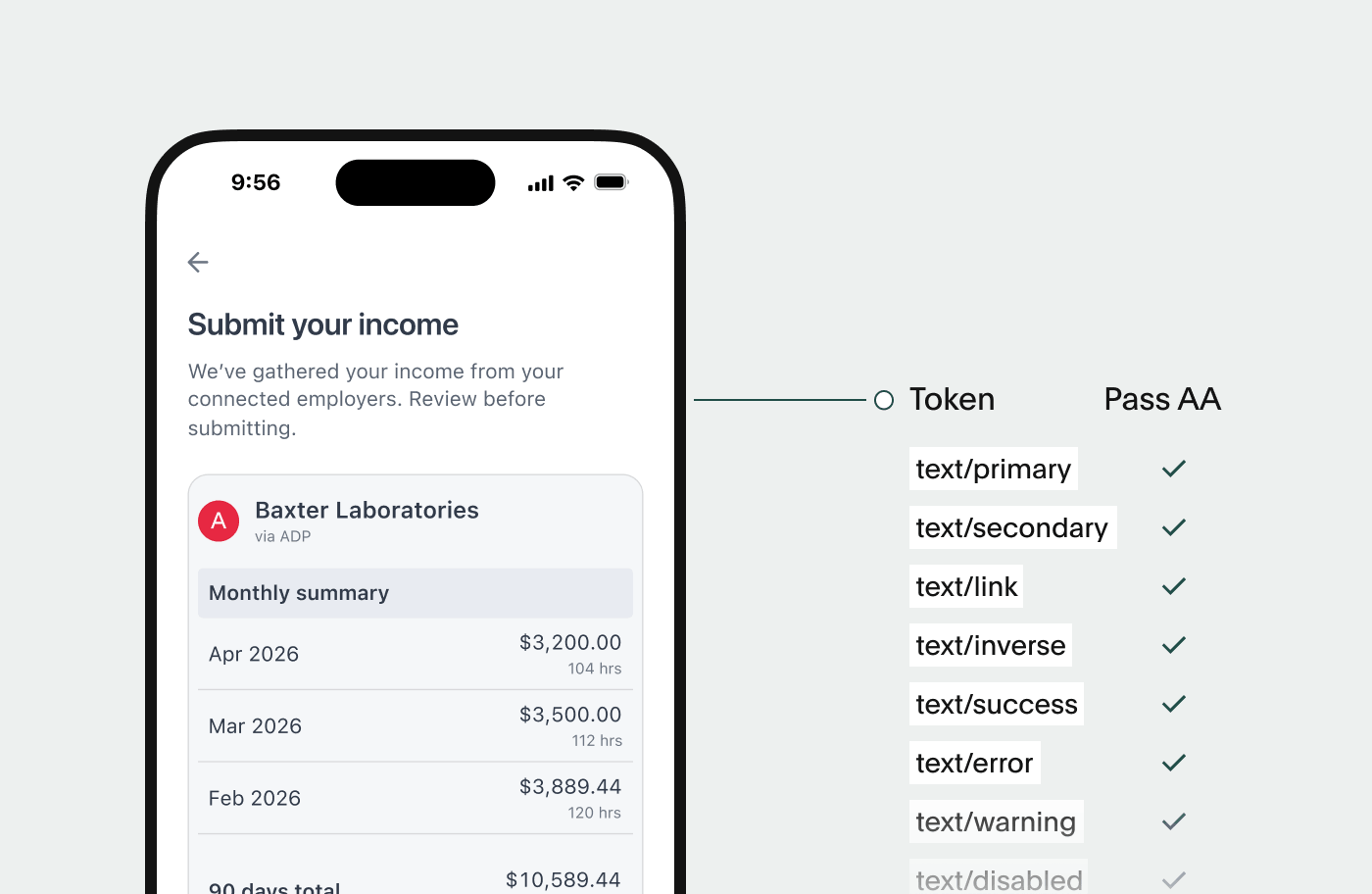
- Color contrast that meets the standard — A minimum 4.5:1 contrast ratio for standard text and 3:1 for large text and UI components.
- Reflow and zoom support — The flow remains usable and legible at up to 400% zoom, without loss of content or function.
- Reliable focus management — Focused elements stay visible and aren't obscured by modals, overlays, or sticky headers.
- Touch targets sized for real-world use — Buttons and interactive elements are sized for reliable activation on mobile devices, not just desktop pointers.
- Accessible authentication — No cognitive memory tests (like puzzle-solving or transcription-only challenges) stand between an applicant and completing verification; alternatives like one-time codes are supported.
- Accessible forms — Labels are programmatically associated with their fields, and errors are surfaced inline rather than buried in a summary the user has to hunt for.
- Dynamic content that announces itself — Status changes and error states are pushed to assistive technology in real time, so a screen reader user isn't left guessing whether a step succeeded.
These aren't arbitrary choices — they map directly to specific WCAG 2.2 success criteria, including Focus Not Obscured (2.4.11), Target Size (2.5.8), Accessible Authentication (3.3.8), and Redundant Entry (3.3.7) — criteria that go beyond the WCAG 2.1 AA floor that ADA Title II currently requires.
Independently tested, not just self-declared
Any company can claim accessibility. What holds up under scrutiny — from a compliance officer, a procurement team, or a plaintiff's attorney — is evidence.
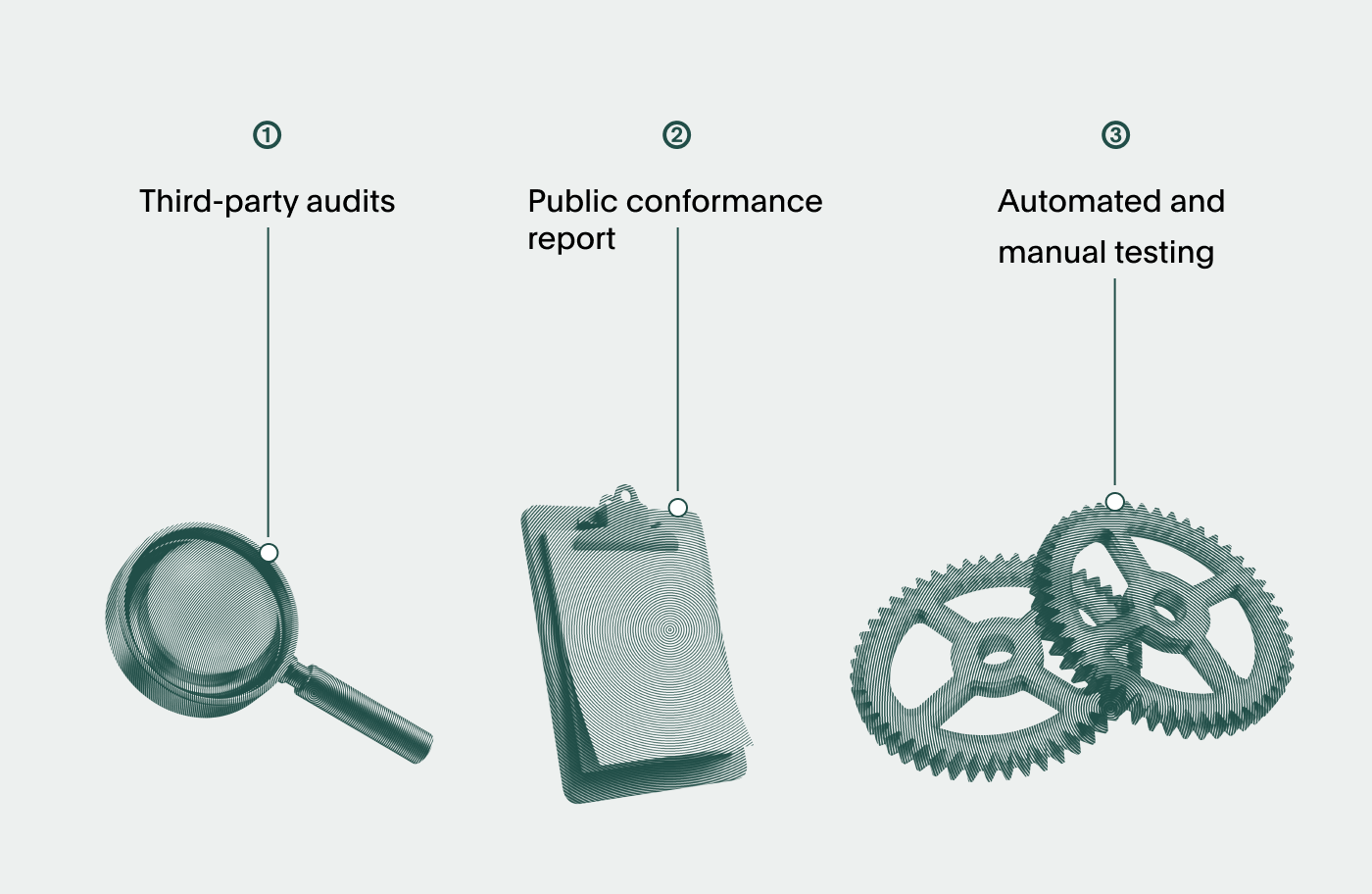
- Third-party audits. Argyle Link is audited by outside accessibility specialists against WCAG 2.2 AA and Section 508, not just reviewed internally.
- A public conformance report. Argyle makes an Accessibility Conformance Report (ACR), built on the standard VPAT template, available on request — the same documentation federal and state procurement teams expect to see before signing off on a vendor.
- Automated and manual testing in the pipeline. Argyle runs axe-core testing in CI/CD alongside manual audits, and retests as the product evolves, so accessibility isn't a one-time certification that quietly goes stale.
What your organization is responsible for
Accessibility is a shared responsibility between Argyle and the organizations that embed Link. Even a fully conformant flow can become inaccessible if it's dropped into an inaccessible surrounding experience. If you're integrating Link into your loan origination system, screening platform, or benefits portal, keep a few things in mind:
- Give applicants an accessible way in. The page or app that launches Link needs to meet the same standard Link does — an accessible flow behind an inaccessible entry point helps no one.
- Don't override focus or ARIA behavior. Custom wrappers or embed logic that intercepts focus management or strips ARIA attributes can break the accessibility Link ships with.
- Embed iframes correctly. If Link is embedded via iframe, it needs a proper accessible name and needs to sit correctly in your page's tab order.
- Test the whole flow, not just your half of it. Run your own keyboard-only and screen-reader passes across the complete applicant journey — including the handoff into and out of Link — not just the pages you built yourself.
Where this is headed
Compliance deadlines will keep shifting — DOJ's own extension shows regulators are still working out how much time this actually takes to get right. What won't shift is the underlying reality: applicants who can't complete a verification step don't stop needing a mortgage, a lease, or a job. They just get processed out by an experience that was never built to include them.
That's the standard Argyle Link is built to meet — not the one a deadline requires, but the one that works for everyone. If you're evaluating VOIE providers for a lending workflow, government program, or a screening product and want to see how Argyle works, contact us for a demo.